Posting on your Blog page
To make posts to a blog page you will need to setup a Blog first. Click here to see how to create a blog page.
Once you have a blog page setup, making post entries are real straight forward. Follow these steps to post to your blog page.
-
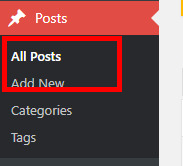
Click on the Posts menu item on the left navigation, then select Add New
-
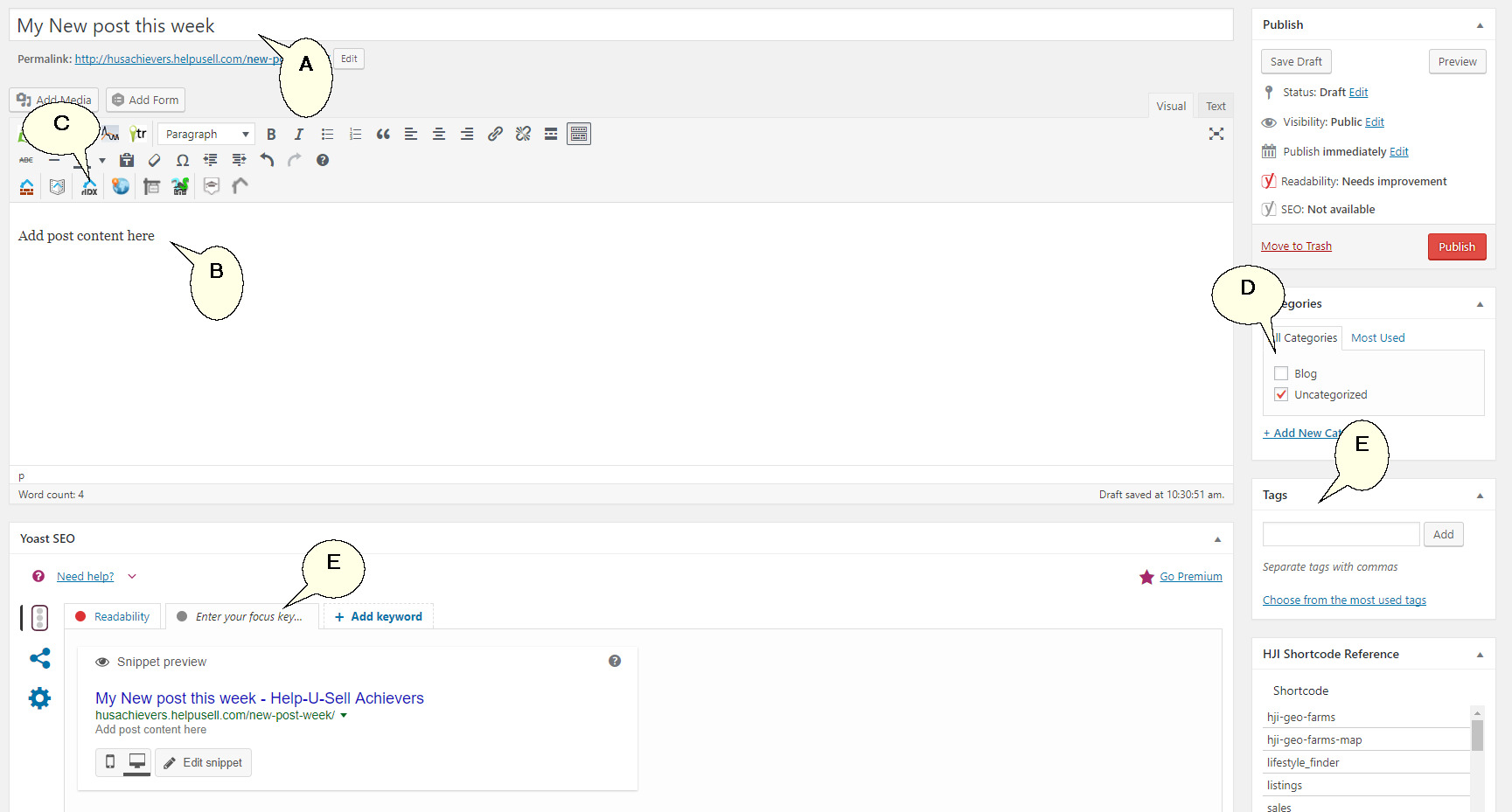
Enter the title for the post (A) and the content (B). You can add additional content by using the Short code plug-ins (C). Also select a Category to file the post under (D). You can also Tag your posts (E).
-
You can also review the post snipped as it will appear in search engine results and add keywords (E).
-
Once happy with your post, click the Publish button to make the post live.
Adding Categories for Blog Posts
-
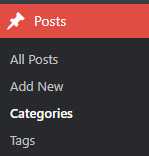
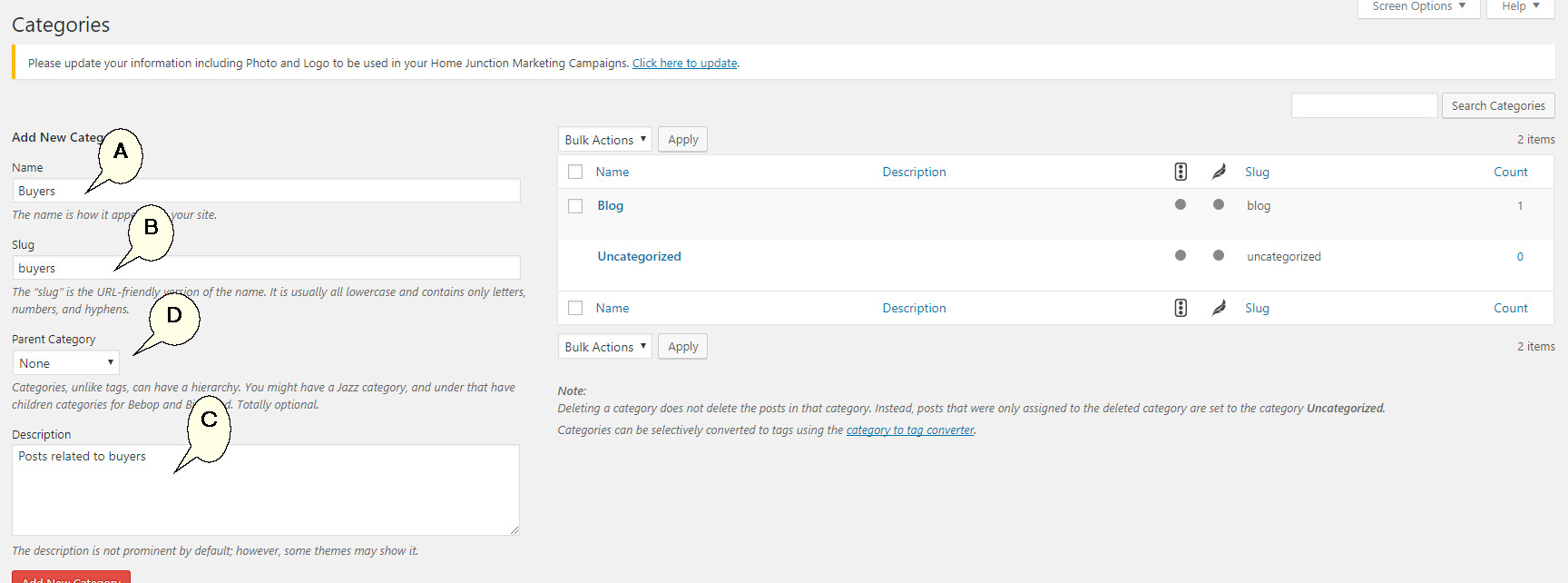
To add new categories to post your posts too click on the Posts menu item on the left navigation and then Categories.
-
Add the Category name (A), slug (B) and description (C). You can also decide if this is a sub-category (D). Hit the 'Add New Category' button when done.
Adding Blog Tags
Blog tags are using to tag a post which then creates a short cut link on your blog page for users to select and filter blogs on. To create Tags follow the steps below.
-
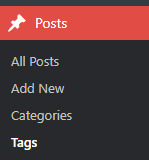
Click on the Posts menu item on the left navigation and select Tags
-
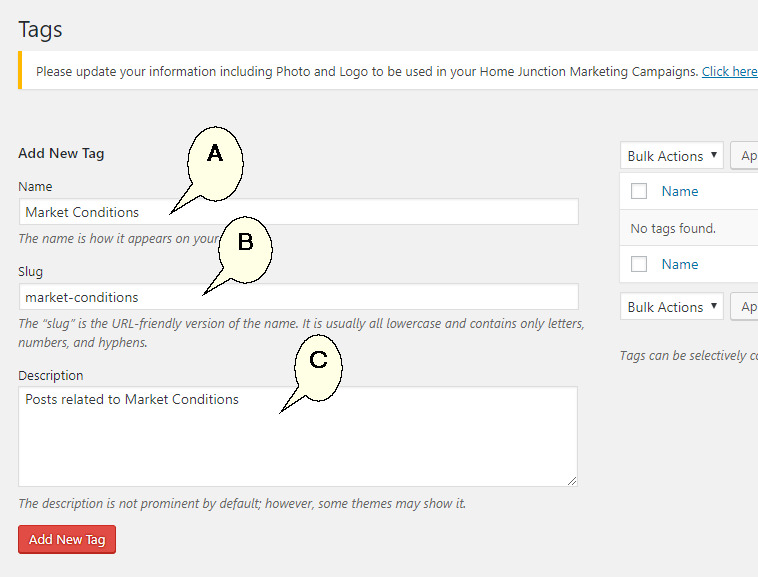
Add the Tag name (A), slug (B) and the description (C) for the tag. Click the Add New Tag button to save.