Updating your information in website header
Basic Setup - Updating Website Header
To update your phone number in the header of your website log into your office word press admin account, then;
-
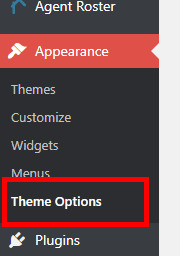
Go to Appearance, then Theme Options on the left navigation menu
-
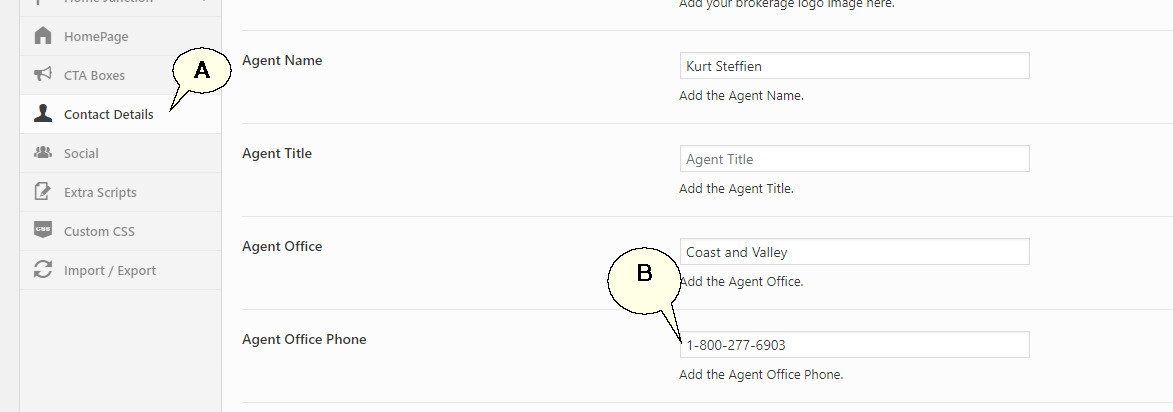
Click on 'Contact Details' (A) and change the phone number under 'Agent Office Phone' (B).
-
Click 'Save Changes'. This will update the phone number under your office name in the website header.
