Wordpress - Adding Market Sketch to Theme
The Market Sketch Feature in the OMS is compatible with the new Word Press Boulevard 3 & 4 Themes.
These are the steps to setup Marketing Sketch.
-
Add a new page
-
Call it "Market Sketch"
-
Add the following html as text (replace office id with the database id for the office)
<div id="ifr" data-office="848"></div>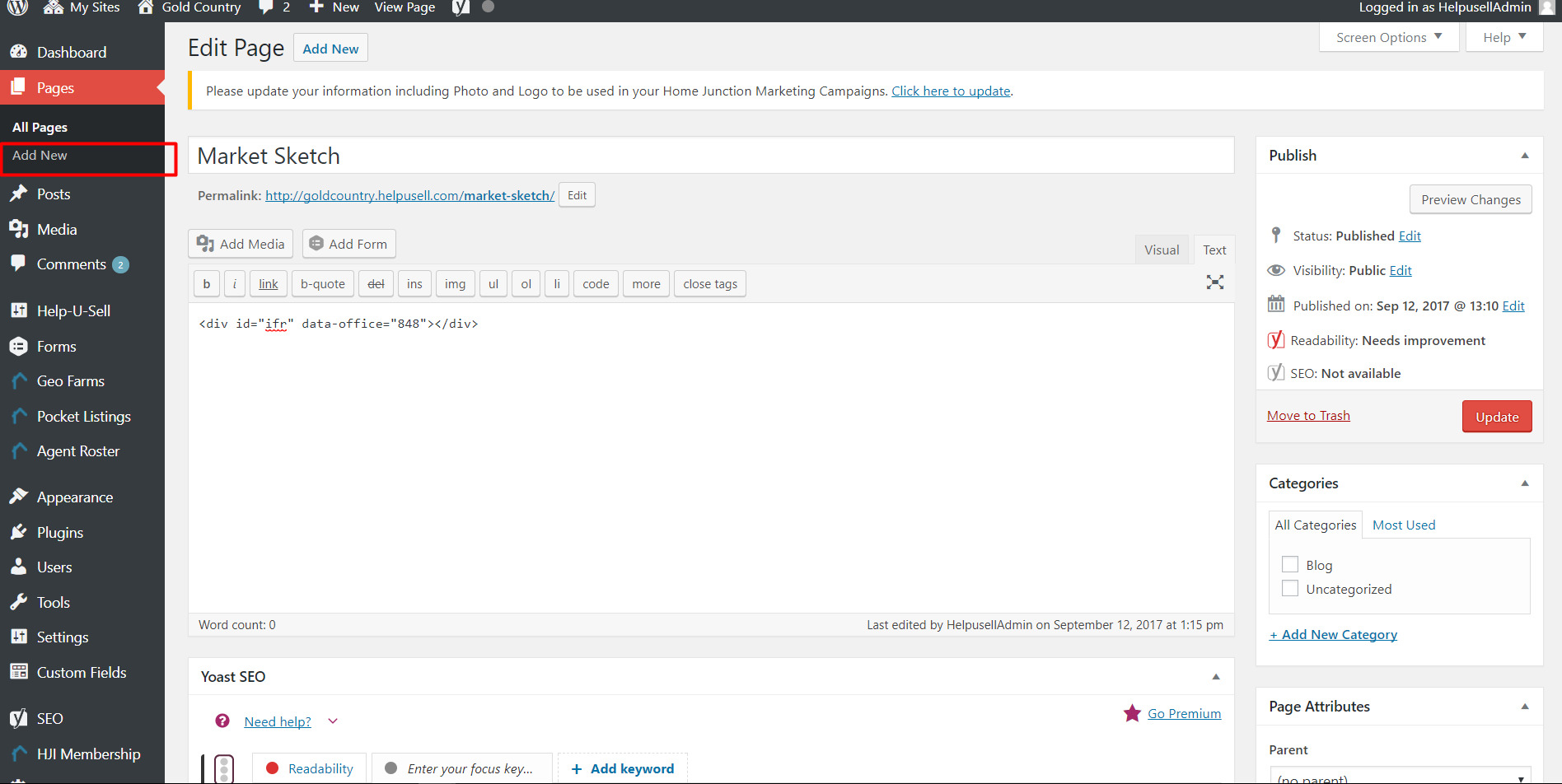
-
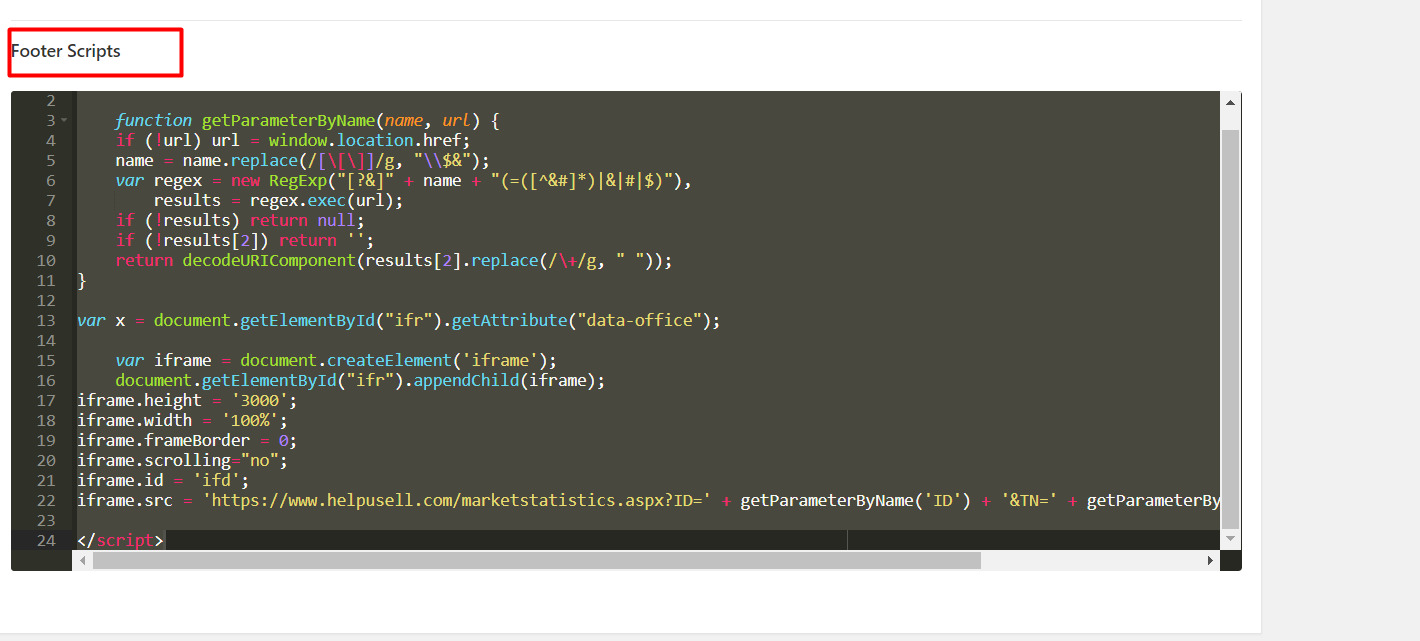
Add the following script in the “footer script” section.
You can use the copy/paste button in top-right of code window:
<script>
function getParameterByName(name, url) {
  if (!url) url = window.location.href;
  name = name.replace(/[\[\]]/g, "\\$&");
  var regex = new RegExp("[?&]" + name + "(=([^&#]*)|&|#|$)"),
    results = regex.exec(url);
  if (!results) return null;
  if (!results[2]) return '';
  return decodeURIComponent(results[2].replace(/\+/g, " "));
}

var x = document.getElementById("ifr").getAttribute("data-office");
var iframe = document.createElement('iframe');
document.getElementById("ifr").appendChild(iframe);
iframe.height = '3000';
iframe.width = '100%';
iframe.frameBorder = 0;
iframe.scrolling = "no";
iframe.id = 'ifd';
iframe.src = 'https://www.helpusell.com/marketstatistics.aspx?ID=' + getParameterByName('ID') + '&TN=' + getParameterByName('TN') + '&officeID=' + x
</script>
It will look similar to this when done: