Edit My Listings
To edit or View a listing click on the listing Address on the View My Listings screen.
The Listing Dashboard will display the primary listing photo, address, status and price.

You can also click on the primary photo (A) to display the QR code for the listing.
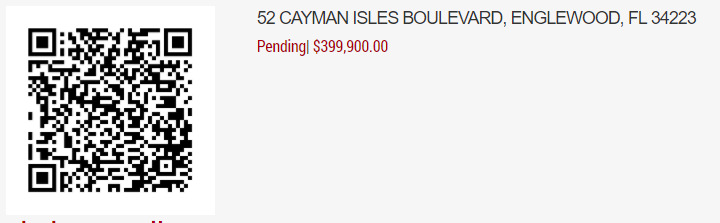
To Save the QR code image, right click on the QR code and select 'Save Image As'
There are eight sub sections on the listing dashboard.
To open a section click on the '+' icon to the right of each header.
The eight sub sections are;
- Listing Details
- Listing Media
- Listing Options
- Listing History
- Listing Attachments
- Open House Schedule
- Listing Syndication
- Listing Notes