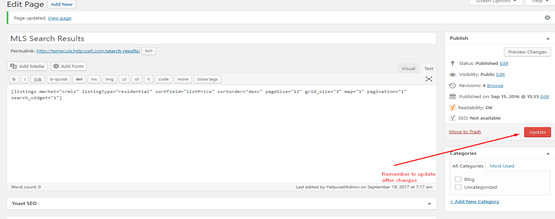
Adding Non-MLS Link to Search Results
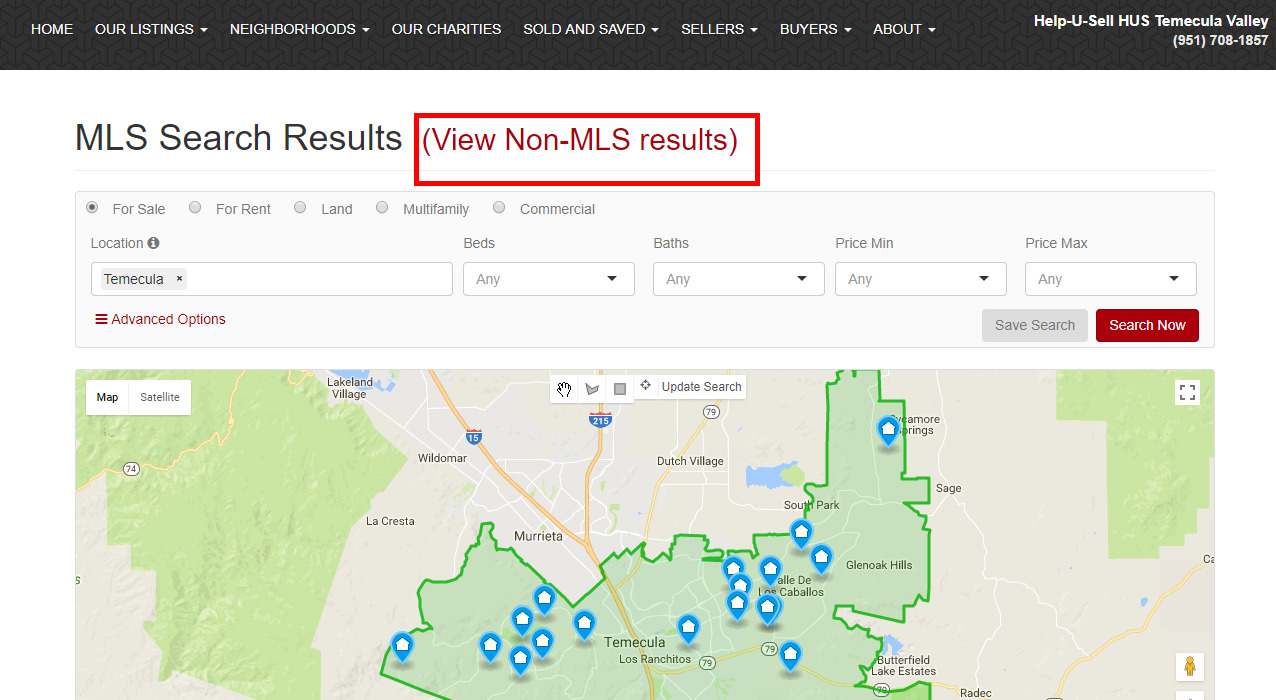
-
Go to 'All Pages' and edit 'Search Results' Page
-
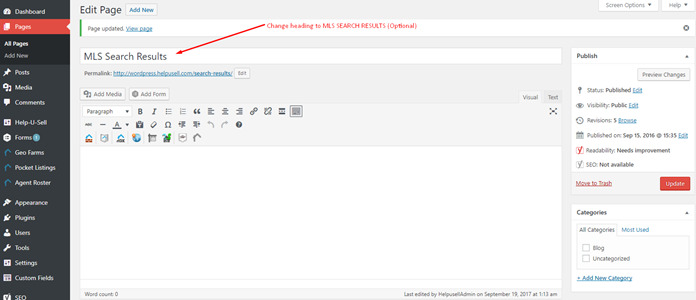
Change the main heading to "MLS Search Results"
-
Scroll all the way down to the footer scripts and add the following script.
<script>
  var x = document.getElementsByClassName("page-header");
  var i;
  var para = document.createElement("P");
  para.style.display = "inline";
  para.style.paddingLeft = "15px";
  para.innerHTML="<a style='font-size:30px' href='/listings'>(View Non-MLS results)</a>";
  for (i = 0; i < x.length; i++) {
    x[i].childNodes[1].style.display = "inline";
    x[i].appendChild(para)
  }
</script>
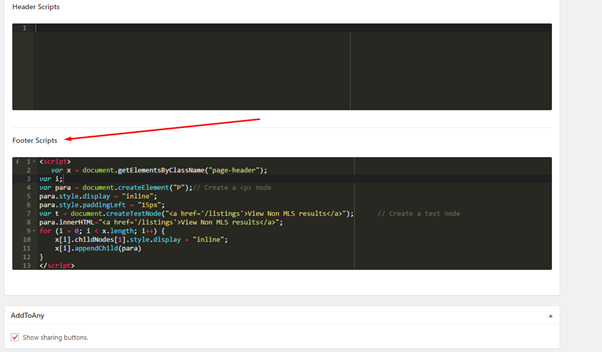
Remember to SAVE updates