Listing Notes
Notes can be added to listings in the OMS. Agent with access to the OMS as well as the Seller (If access was granted to the seller) can view and add notes to a listing.
To add a note go to the 'Listing Notes' section when viewing a listing and click on the 'Add' button (A).

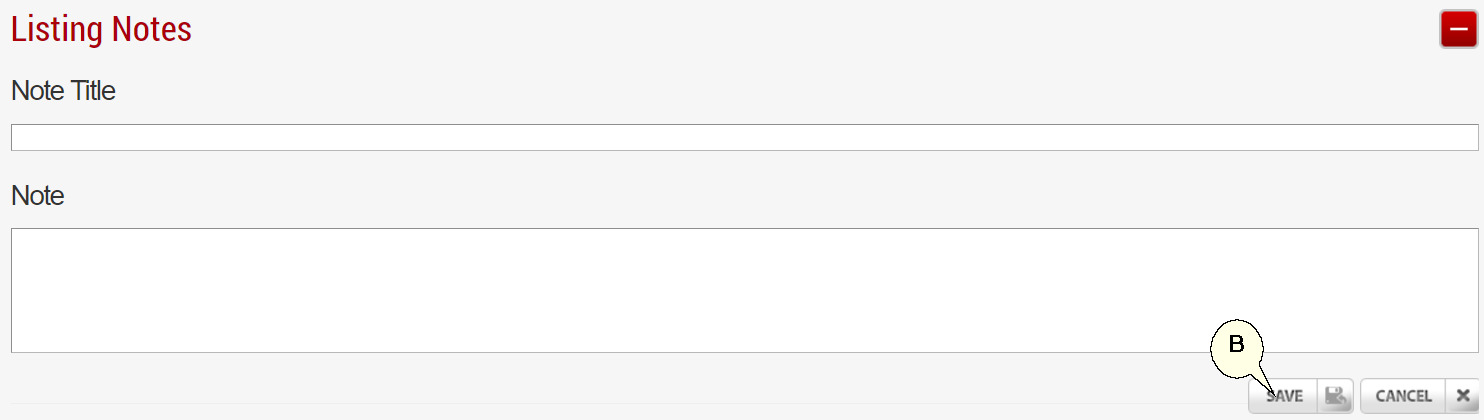
Complete the forms and click 'Save' when done (B).
To view the Note content click the 'View' (C) button.