Office Details
The Office Details Section is where you verify your office information, opt in for CI cards, specify alternative lead notification emails as well as manage your Office's agent logins.
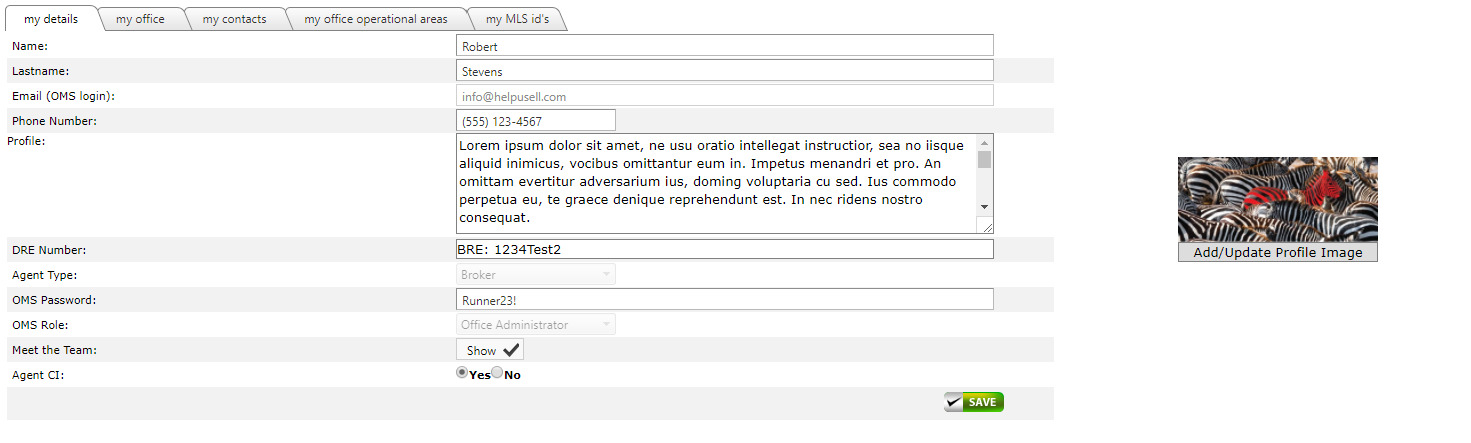
My Details
The first default tab is the 'my details' section. This tab contains the logged in user's information. You will also opt in for Agent level CI cards here, change your password, bio or profile image.
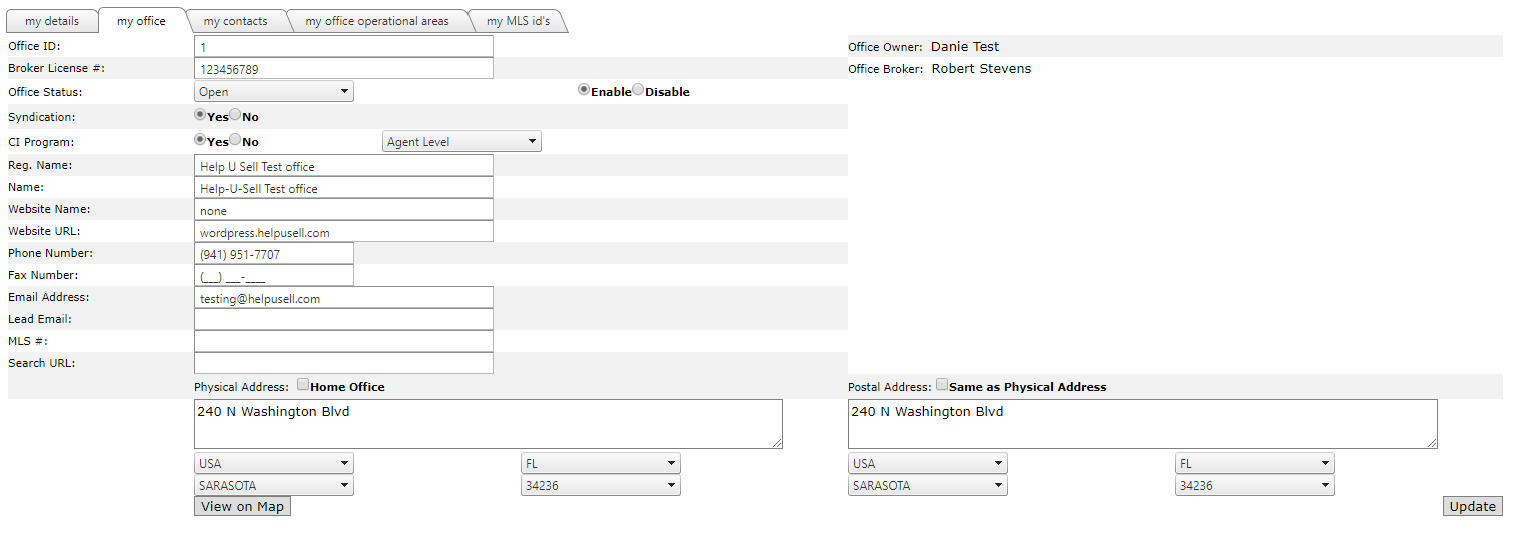
My Office
This section contains your Broker License number to be used on the website, it also is where you opt in for CI cards on office or agent level, opt in for syndication and can specify an alternative email to be used for leads.
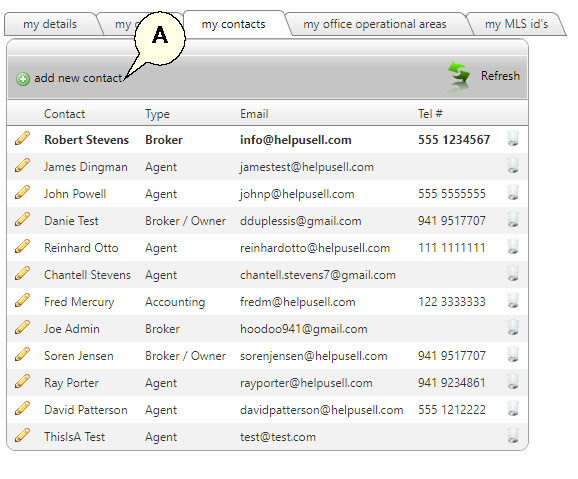
My Contacts
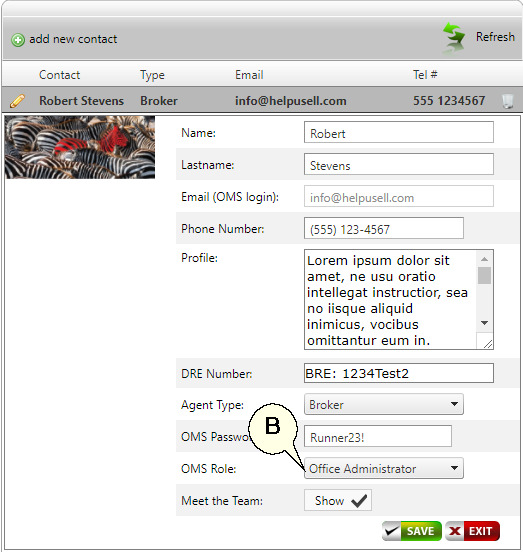
This tab displays all the contacts for your office, you can edit a contact by clicking on the pencil icon to the left, or delete a contact by clicking on the trash can to the right. To add a new contact click the 'add new contact' link (A).
When editing or adding a new contact be sure to assign the correct OMS Role to the user (B).
-
Office Administrator has full access to all areas and modules
-
Standard User can only view their own leads, contacts, listings and do not have access to the Sales Module.
-
Viewer only has full access to view all areas but cannot add or edit anything.
My Operational Areas
This is an important section as it drives the website leads and redirection from helpusell.com. It is also used in the Office Locator. Make sure these areas are correctly setup and includes all the areas you cover. You cannot add Operational Areas, please contact Help-U-Sell Corporate Offices for help adding or editing Operational Areas.

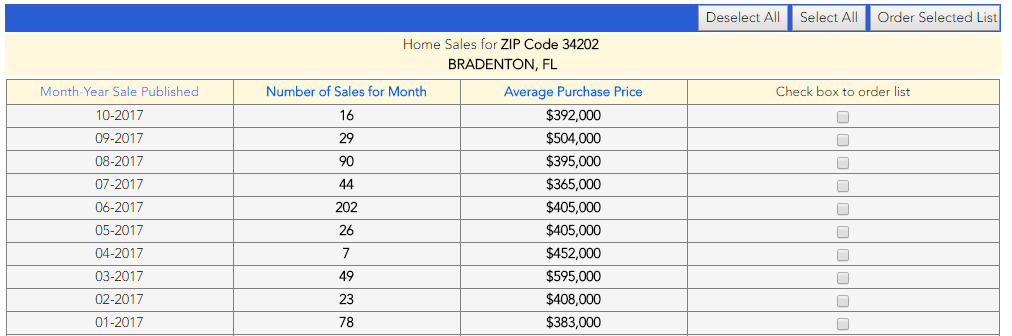
We also provide links to historic sales and demographic information by clicking on the 'home sales data' or geo/demographic info' link to the right of each Operational Area.
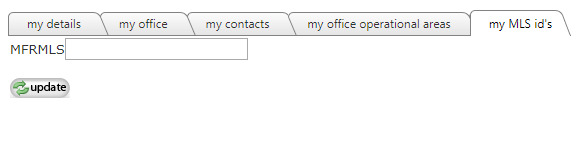
My MLS ID's
Do not change or edit anything in here.