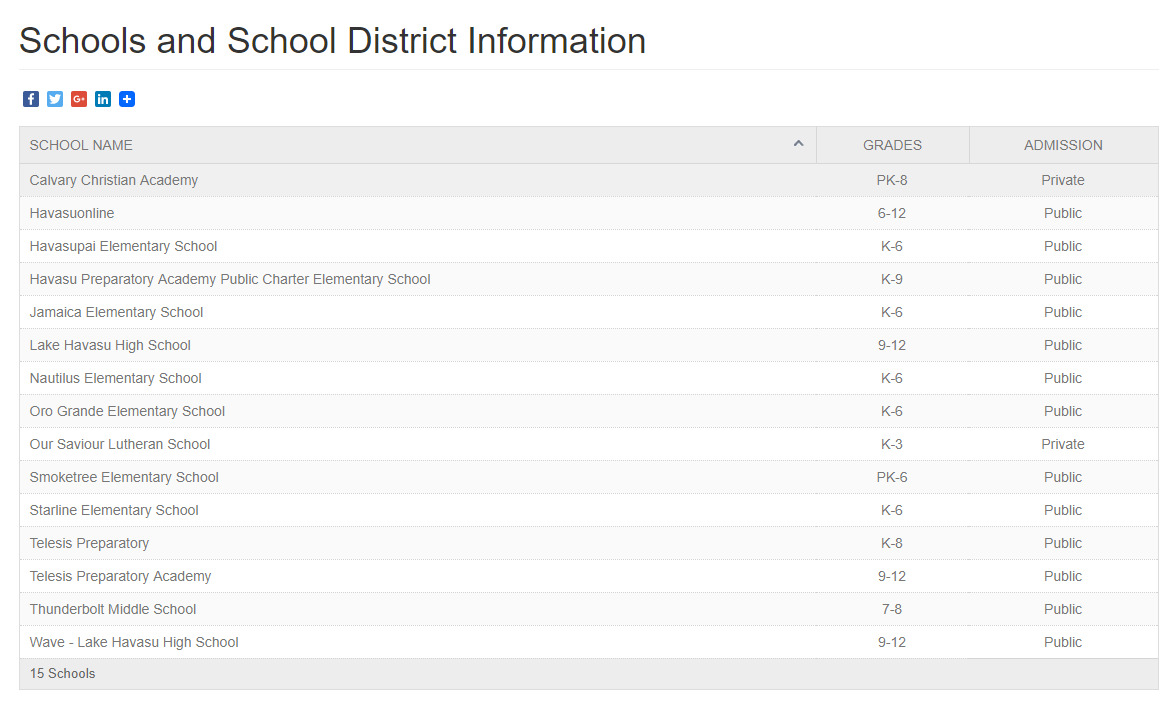
Setting/Changing School District Information
You can edit the area or school district information on your School District Information Page by following these step.
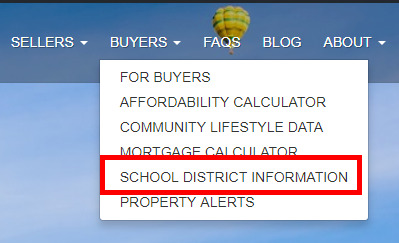
-
Log into your Word Press Admin Account
-
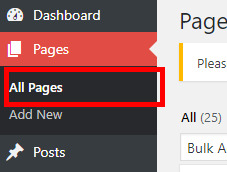
Navigate to Pages then select All Pages
-
Locate the Page named 'Schools and School District Information' and click the 'edit' link

-
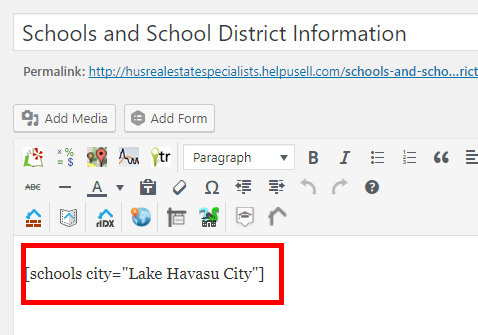
You see she the short code on this page similar the example below
-
You change change the city name between the quotations to a new location.
-
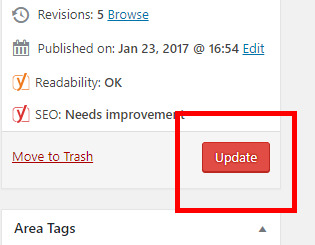
Remeber to Update (save) the page when done.
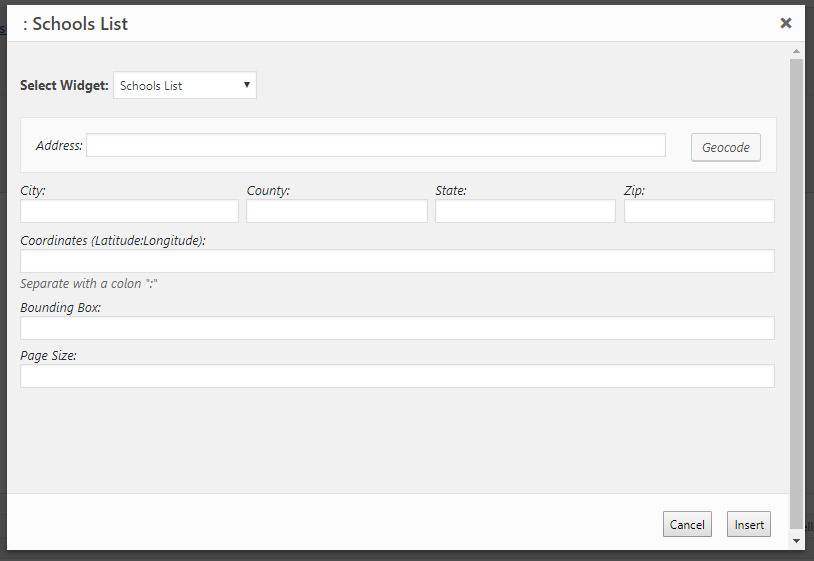
For more advanced edits and update you can delete the shortcode on the page and use the HJI Schools API to add new locations.
Always test your page to make sure the information changed or added appears as intended: