View My Sold Listings
This section drives the Sold and Saved Widget. All your past reported transactions are displayed here with the information used in the widget. All closings should be reported through the Sales Module. Once reported they will display here. If you want to add past transaction prior to using the OMS or becoming a Help-U-Sell Real Estate Franchisee, you can add transactions by clicking the 'Add Sold Listing' link (A).
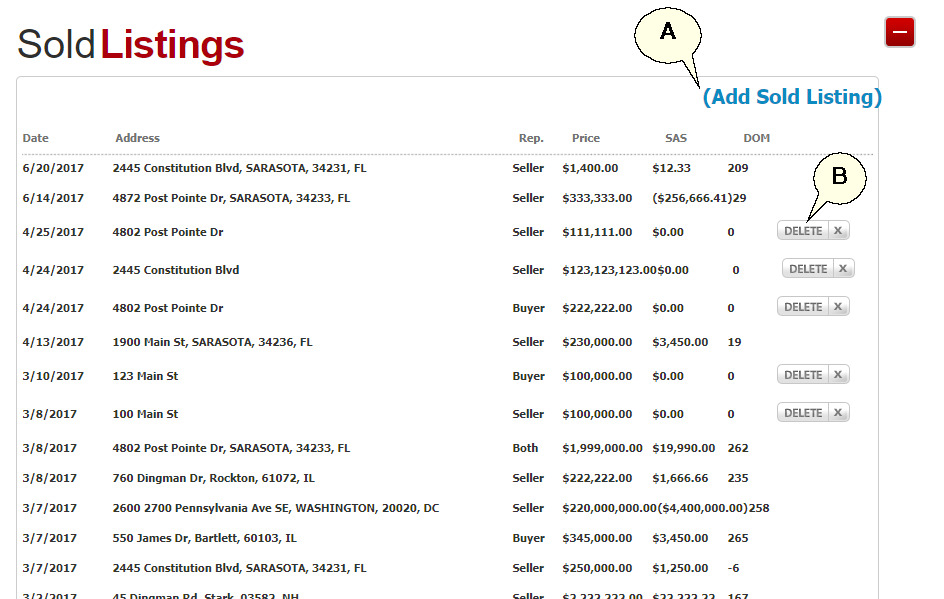
Note: Only listings manually added through this screen will have a 'Delete' button option (B).
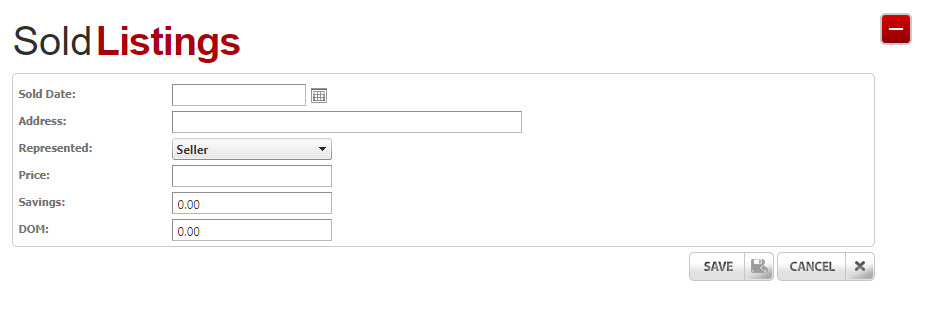
Complete the fields provided to add a closing that was not reported via the OMS previously to manually add a closing for use in the Sold and Save Widget.
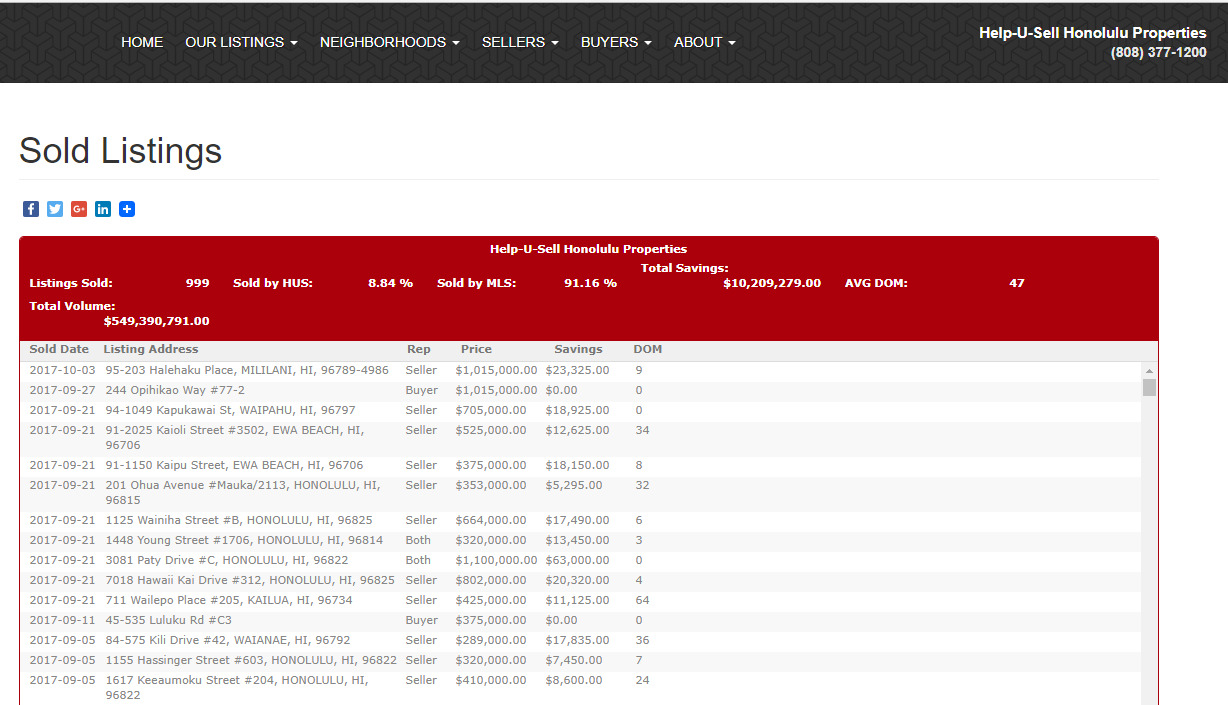
Example of Sold and Saved data on Broker Website:
To add a Sold and Saved page like below to your website, see the Website Widgets section.