View Payment Vouchers
The Payment Voucher/Invoice
Once you have reported a transaction or Misc Income, a payment voucher/invoice will be generated. Please print this voucher/invoice and mail in with your check to:
Help-U-Sell Real Estate
240 N. Washington Blvd. Suite 700
Sarasota FL, 34236
Vouchers/Invoices are also saved in the Sales module of the OMS under the 'Payment Vouchers' sub-menu (A).

Online Credit Card Payments
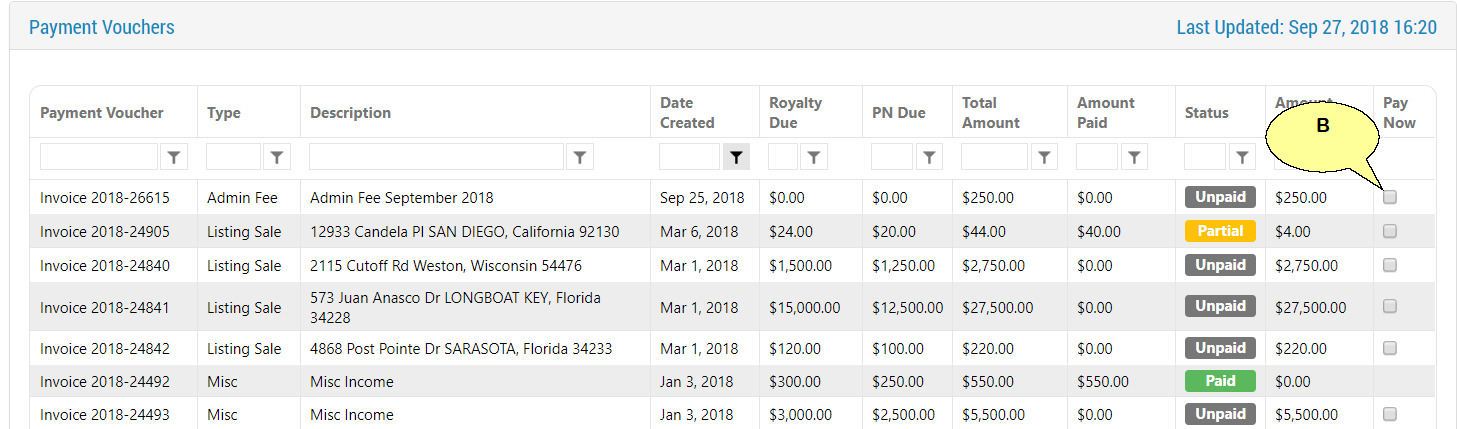
You also have the option to pay your invoiced online by logging into the OMS and navigating to Sales and selecting the 'My Payment Vouchers' sub menu.
You will see a list of all your invoices and their status. To pay an invoice or multiple invoices select the check box(s) on the far right column for the invoices you would like to pay (B), and follow the payment instructions.
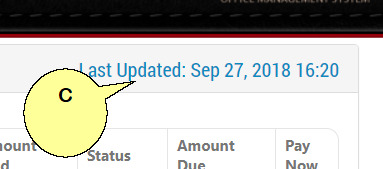
Note: Please note the date on the top right of the page (C), this is the last time and date the OMS was updated with check payments received by mail. Online payments through the OMS will reflect invoice status immediately.