Listing Media
The Listing Media section is where you can add/edit/delete listing photos, add a 360° Virtual Tours, Virtual Tour link and You Tube Video. If you added a virtual tour in your MLS, this link will be imported into the 'Virtual Tour Link' (A) field. Youtube videos are popular on listings these days and if you have created a Youtube tour of a home, you can add the YouTube link in the 'YouTube Video Link' (B) field. On the listing details page of the none WordPress template site, a Virtual Tour or YouTube tabs will be added to the Listing Details Page (None WordPress Templates ONLY).
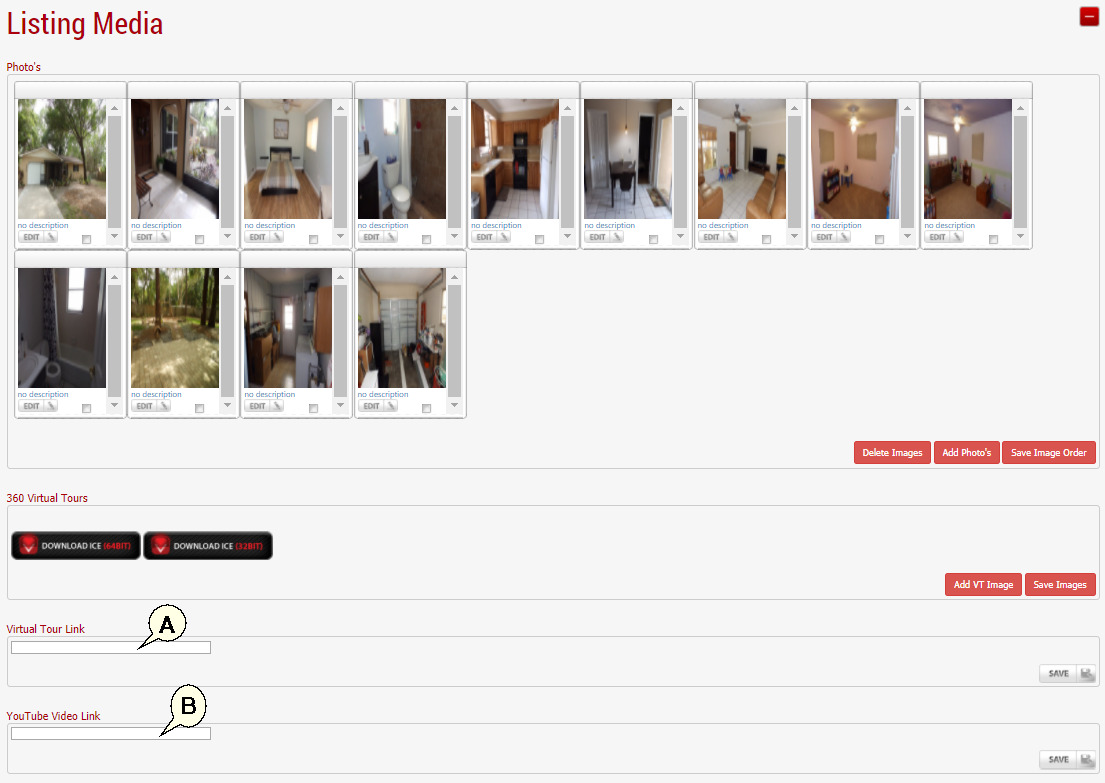
To rearrange photos, simply drag and drop the images in the order you would like. The first image will be used as the primary photo. To Delete multiple images at the same time, check the check boxes inside the images you would like to delete and hit the 'Delete Images' bottom towards the bottom right.
Next Topic: Listing Options