Listing Attachments
Each listing has its own document library. You can add documents to either be available for 'Internal Use' only such as listing disclaimers etc. These type of documents can then only be accessed by the Office via OMS or the Seller via the Seller Portal. Documents that are marked as 'External' documents are then added the the Listing Details page for consumers to access (None WordPress Tamplates ONLY).
1) To add an attachment lick the Add button on the bottom right (A)

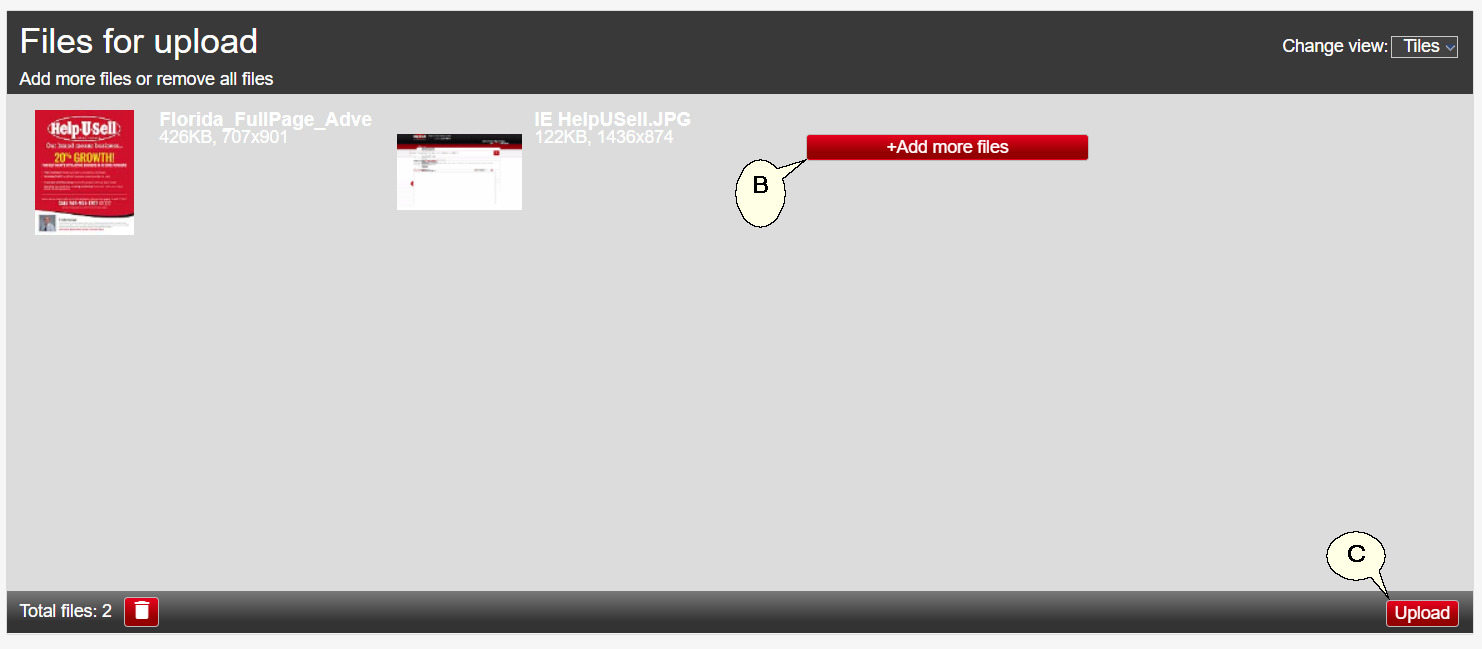
2) Select the 'Add more files' (B) button then select the files you want to upload to the listing. You can upload more than one file at a time.
3) Click the 'Upload' button in the bottom right (C) to start uploading files.
4) Once the page refresh the Attachment will be listed (D). By default they are set as external documents not to display on listing details page.
For None WordPress Templates ONLY
5) If you want the attachment to display on the listing details page click on the red 'NO' (E) button to change it to a green 'YES' button (F).

Next Topic: Open House Schedule